01
Music & video
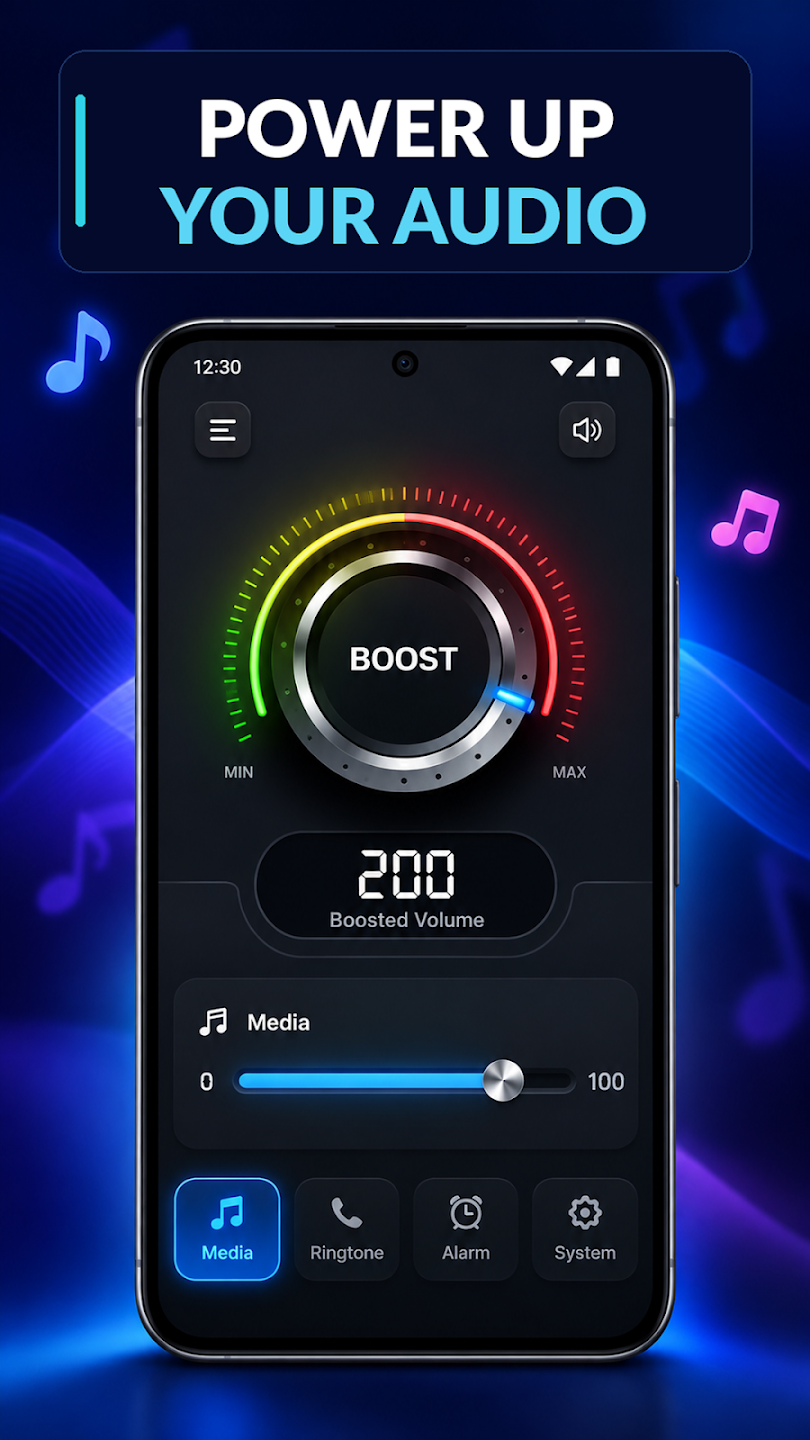
Adjust your media volume while listening to music or watching videos.
A LITTLE MORE CONTROL. EVERY DAY.
Music, ringtones, alarms. Bring your everyday volume controls together with a simple Android home screen.
01 / EVERYDAY ESSENTIALS
Keep the settings you use close by. Adjust supported volume levels through a clear, easy-to-use interface.
Adjust your media volume while listening to music or watching videos.
Manage ringtone and notification volume to suit your everyday needs.
Bring alarm volume into the same convenient set of sound controls.
Access supported system volume settings without navigating multiple settings screens.
Access installed applications from the launcher's simple home screen interface.
Bring essential volume settings and everyday home screen navigation together.
02 / A HOME FOR YOUR EVERYDAY
Easy Volume Control also includes an Android home screen launcher. Reach your installed apps and keep everyday sound controls nearby.
Choosing this app as your default Home app may change your home screen's appearance and layout.
Change your default Home app in Android system settings. Your installed apps will not be deleted. After switching to another default Home app, you can uninstall Easy Volume Control.
03 / SETTLE INTO YOUR SOUND
Everyday volume management, with a home screen option when you want it.
Download Easy Volume Control from Google Play for your Android phone.
Open the sound controls and adjust supported media, ring, notification or alarm volume.
If you'd like, set it as your default Home app. Switch back through Android settings whenever you choose.
04 / TAKE A CLOSER LOOK
All six screenshots from Google Play.
Select an image to explore it in full.
Easy Volume Control is available for Android 9 and up and contains ads. Volume controls apply to supported sound settings.
For the developer's information about data collection and sharing, review the Privacy Policy and the app's Google Play Data safety details.

FIND YOUR EVERYDAY LEVEL
Volume management and a simple home screen, together.
Get it on Google Play